How to Earn Vote Coins
Follow the steps below to vote for Alturi and receive Vote Coins.
1. Log in to your account
Go to https://alturi.to/login and log in to your account.
2. Open your account
Click on Account.

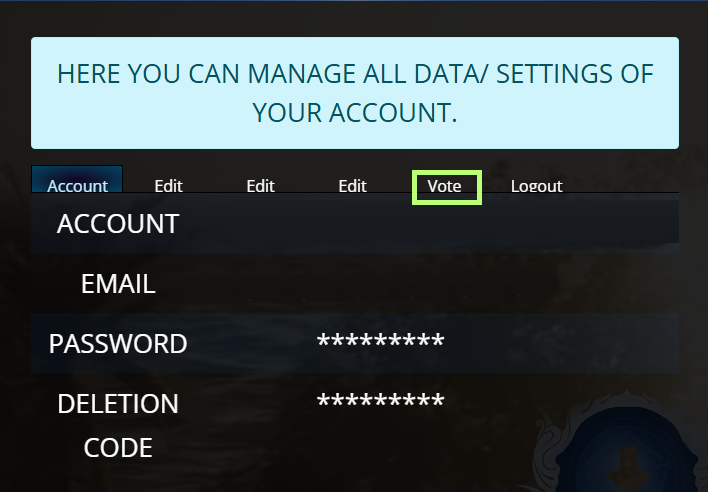
3. Open the Vote tab
On your account page, click on the Vote tab.
4. Check your voting times
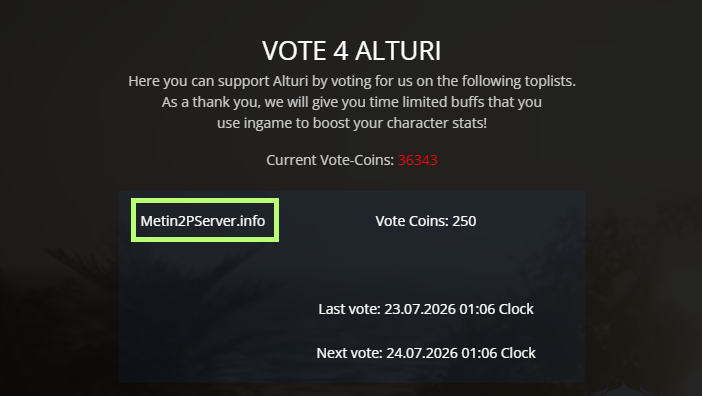
The Vote page shows:
- Your last vote
- The time of your next available vote
Note: The displayed voting time is based on the German time zone (CET/CEST). Depending on your location, you may need to add or subtract the appropriate time difference before you can vote again.
5. Open the voting link
Click the voting link.
6. Complete your vote
A new page will open.
Complete the CAPTCHA (if required) and confirm your vote. Once your vote has been successfully submitted, close the page and return to the Alturi website.
7. Refresh the page
Refresh the Alturi website.

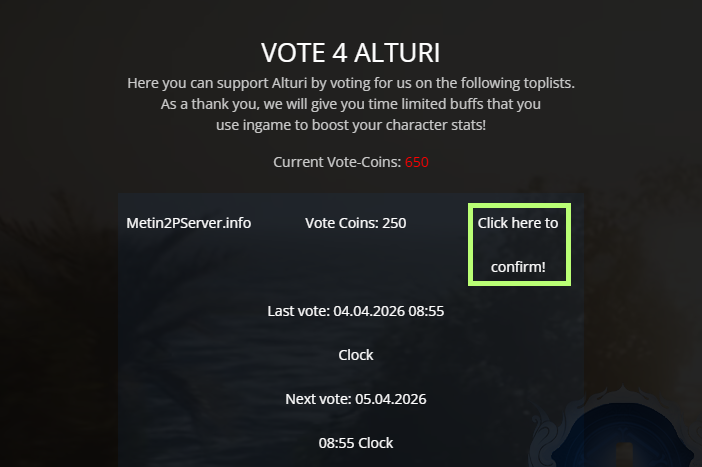
8. Confirm your vote
Click Confirm Vote to verify your vote and receive your reward. If the confirmation button is not available, 24 hours have not passed since your last vote yet. Please wait until your next voting time.